SuperiorWired and wireless · Grade 3 (EN 50131)
Superior Hub Hybrid 2 (without casing)
Hybrid control panel for medium to large setups. Works with up to 250 Fibra and Jeweller devices. Connectable via Ethernet and two SIM cards (2G/3G/LTE).
Product code: 142512.369.NC
I want it installedFull Grade 3 requires every device in the system to be Grade 3.
- Genuine Ajax device
- Installation and setup on request
- We’ll advise you before you buy: +48 575 940 192
What you get
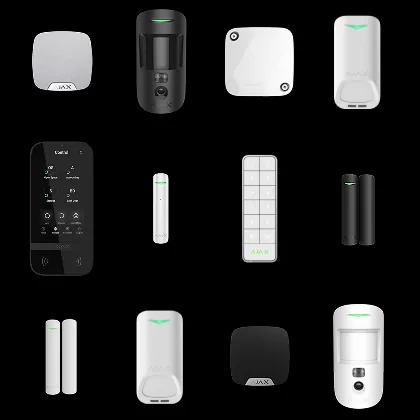
Wired and wireless together
We’ll combine wired and wireless detectors into one system — you’ll manage them in one app.
For a large site
We’ll divide the property into groups — you arm each one separately. We’ll set up automation scenarios for your needs.
- 250
- devices
- 25
- security groups
- 8
- wired lines
- 64
- scenarios
Alarms with a photo
The notification reaches you and the security company in under a second. Detectors with cameras and cameras show what happened.
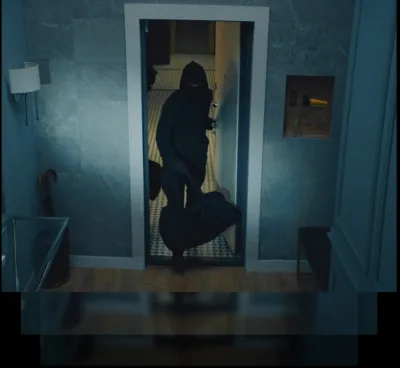
Up to 60 hours without power
On a 12 V, 7 Ah backup battery, it powers 30 wired devices for up to 60 hours — up to 200 hours in power-saving mode.
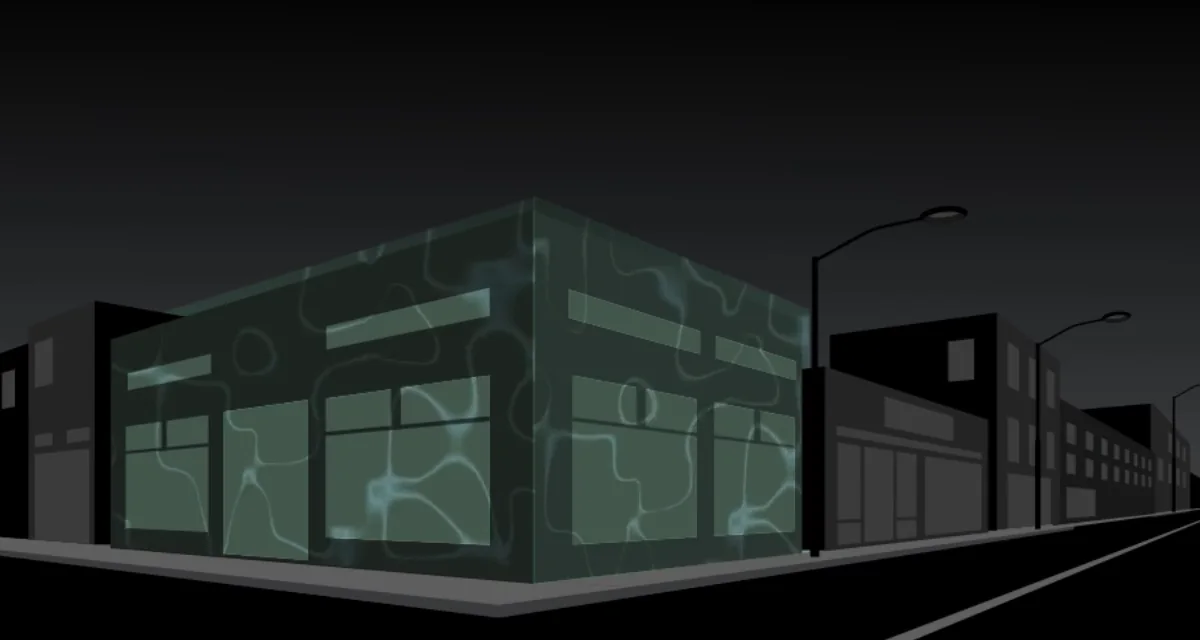
Range across the whole site
Up to 2,000 m wired and up to 3,500 m wireless in open space. We’ll branch and extend the lines with Ajax modules.
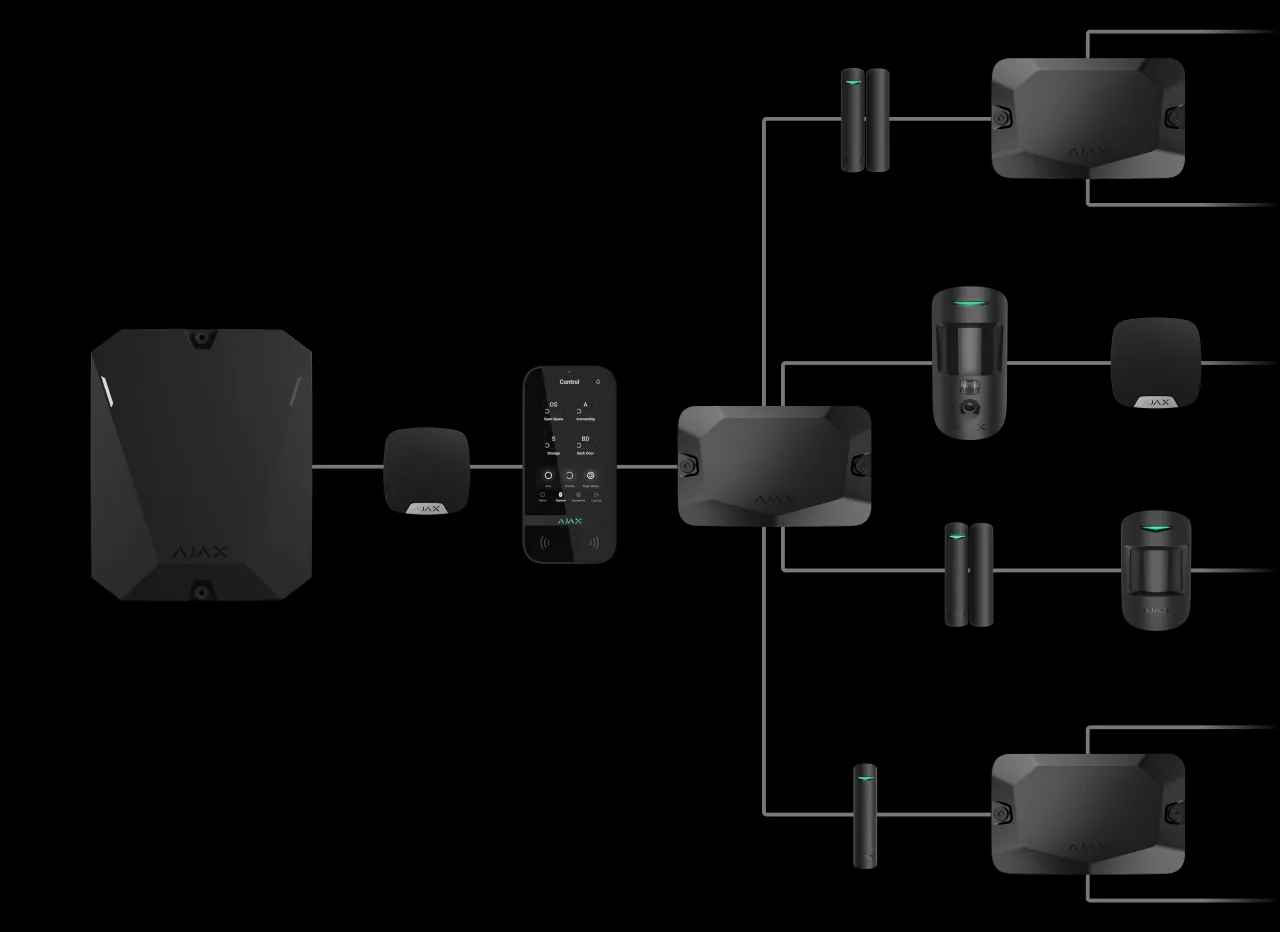
Three internet connections
An internet cable and two LTE SIM cards. If the cable fails, the hub switches within seconds to the card with the strongest signal.
Coverage even in the basement
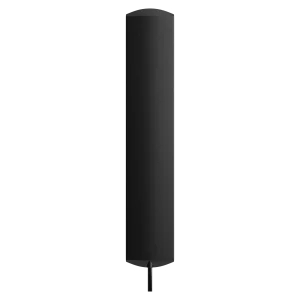
When the hub sits in a basement or a metal cabinet, we’ll add an ExternalAntenna. If it’s damaged, you’ll see it in a notification right away.

Security Grade 3
Meets EN 50131 Grade 3 — for high-security installations.
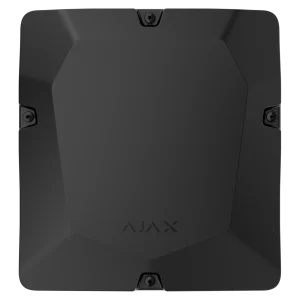
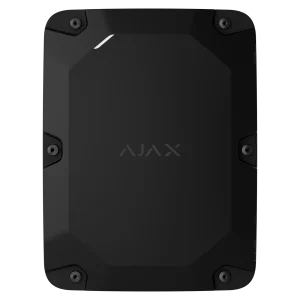
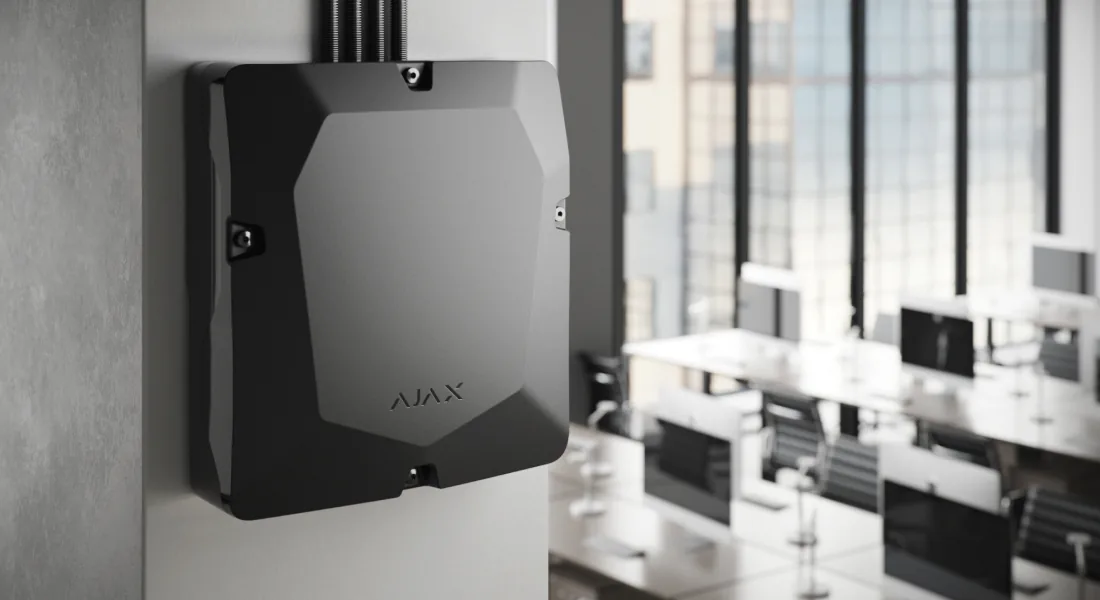
A board for an Ajax Case
We’ll install the hub in an Ajax Case (sold separately) together with other modules — everything in one place. We’ll route the status LED to the outside of the enclosure.
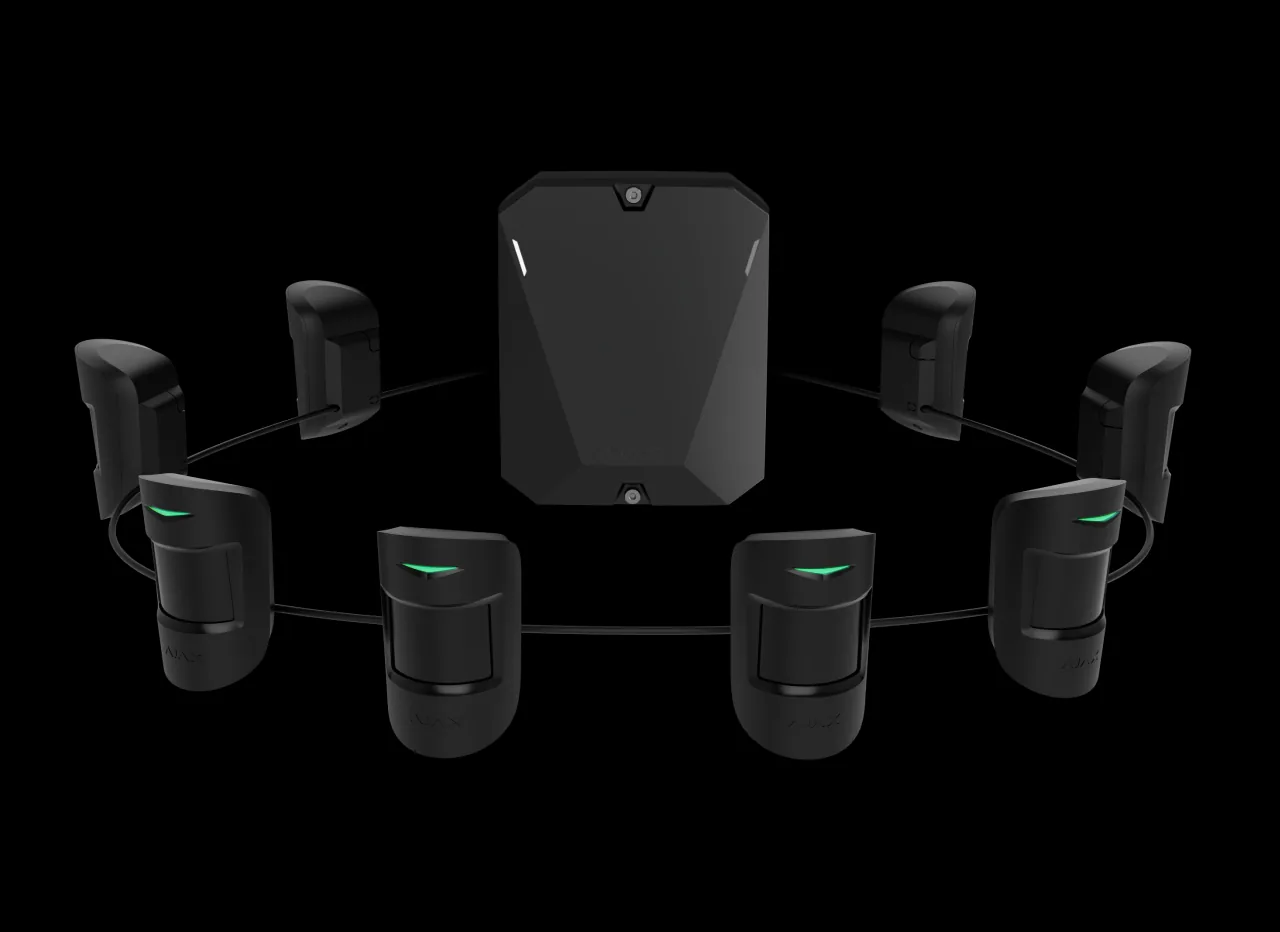
A cut cable won’t disable protection
In a ring topology, a broken line splits into two working parts — no detector drops out, and you and the security company know right away. We can route cables along unexpected paths to make them harder to damage.
Tampering won’t go unnoticed
Removal attempt
The board has a built-in tamper contact, and we’ll also connect the Ajax Case tamper. A removal attempt triggers an alarm.
Encryption and verification
Data is encrypted, and the hub verifies every device — swapping or reprogramming is practically impossible.
Lost connection
If a device goes silent, the system detects it within 36 seconds and notifies you and the security company.
Jamming
The hub switches to another frequency and reports the jamming attempt.
We’ll install and set up everything for you
An Ajax device works best when it’s well chosen, installed, and configured.
- 1
Design
We’ll come over, assess the risks, and choose the devices.
- 2
Installation
Specialists with SEP qualifications and Ajax certification.
- 3
Setup
Scenarios, zones, and the app — we’ll show you how to use it. On request, we’ll connect a security company.
- 4
Service
During and after the warranty — remotely too.
- 2 + 2 year warranty2 years on the devices and 2 years on installation and programming
- Remote helpWith your consent, we’ll connect to your system when you call
- Ajax partnerGenuine devices and Ajax-certified installers
- Installation across PolandService in Masovia and remotely
Photos and videos: Ajax Systems
Description
Hybrid control panel for medium to large setups. Works with up to 250 Fibra and Jeweller devices. Connectable via Ethernet and two SIM cards (2G/3G/LTE).
Specifications
- Line
- Superior
- Communication
- Wired (Fibra) and wireless (Jeweller)
- Security grade
- Grade 3 (EN 50131)
- Photo resolution
- up to 960 × 720 pixels
- Ethernet
- 1 × 8P8C port
- Cellular connection
- 2 × micro-SIM slot
- Users
- up to 200
- Radio range
- up to 3,500 m
- Fibra line length
- up to 2,000 m
- Power supply
- 100–240 V, 50/60 Hz
- Dimensions
- 185 × 99 × 43 mm
- Weight
- 184 g
- Operating temperature
- from –10 °C to +40 °C
Manufacturer: AJAX — “AS Manufacturing” LLC, 5 S. Sklyarenka St., 04073 Kyiv, Ukraine · support@ajax.systems
You’ll find warnings and safe-use instructions in the user manual (Files and manuals).